 friv.org.es

Popular Games
Last Played


ZombieCraft
0 plays
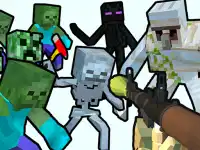
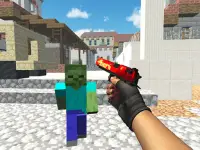
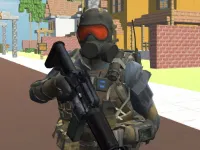
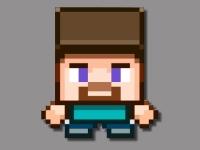
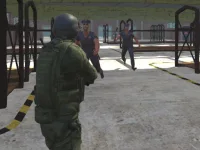









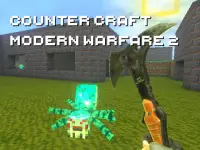
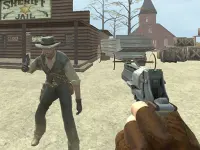
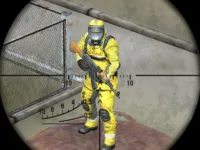
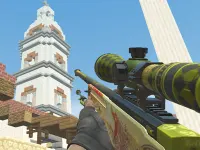
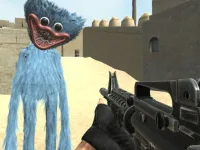
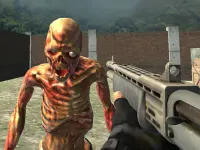


ZombieCraft
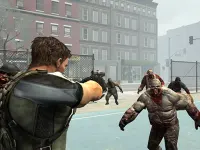
Get ready to face off against hordes of undead in ZombieCraft, a thrilling Shooting Games experience that puts your reflexes and strategy to the test. With its simple yet addictive gameplay, ZombieCraft is an action-packed adventure that's perfect for players of all ages. As a browser-based game, it's easily accessible from any device with an internet connection. In this article, we'll delve into the world of ZombieCraft and explore its key features, controls, and tips to help you survive the zombie apocalypse.
How To Play ZombieCraft
To survive in ZombieCraft, you'll need to aim with your mouse and click to eliminate the undead threat. Use your keyboard to move and dodge zombies, and be sure to reload often to stay alive during the intense waves. With a variety of challenges and obstacles to overcome, ZombieCraft requires skill and strategy to emerge victorious.
Controls and Features
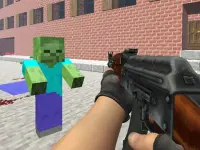
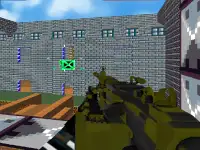
The controls in ZombieCraft are straightforward and intuitive. Use WASD to move, mouse to aim and shoot, space to reload, and R to switch weapons. The game features a difficulty selection and wave progression system, ensuring that the challenge level increases as you progress through the game. With its blocky 3D world, ZombieCraft offers a unique and immersive gaming experience.
Tips
To succeed in ZombieCraft, it's essential to use your ammo wisely and reload often. Try to move slowly to avoid getting overwhelmed by the hordes of zombies. As you progress through the game, you'll encounter increasingly difficult waves, so be prepared to adapt your strategy to stay alive.
FAQ
What are the controls in ZombieCraft?
The controls in ZombieCraft include using WASD to move, mouse to aim and shoot, space to reload, and R to switch weapons.
What is the main objective of ZombieCraft?
Survive waves of zombies while managing ammo and health.
Are there any stated features in ZombieCraft?
Yes, the game features difficulty selection and wave progression.
What is the game's main mechanic?
Shooting zombies in a blocky world.
About this game
- Supported devices
- Desktop
- Genre
- Shooting Games
- Release date
- 24 October 2024
- Latest update
- 24 October 2024
- Rating
- No ratings yet