 friv.org.es

Popular Games
Last Played


Warun
0 plays

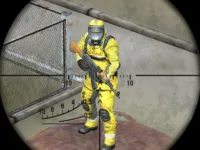

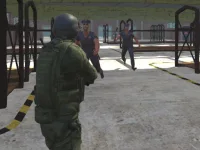
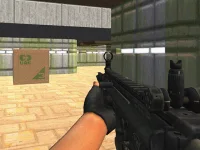
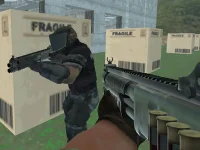



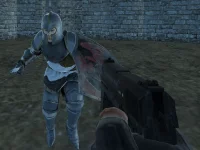





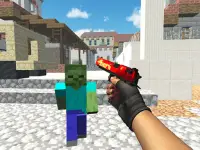







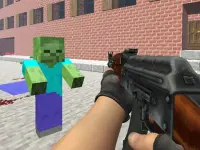


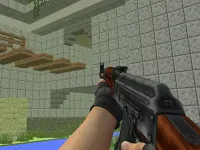

















Warun
Warun is a thrilling space combat experience set on a dark Martian world. Players take on hostile guards while managing weapon heat to prevent overheating. The goal is to survive relentless waves of enemies in each intense encounter. With a focus on quick reflexes and careful aiming, this title delivers a tense, action-packed challenge that keeps you on your toes from start to finish.
How To Play Warun
Aim with your mouse and click to fire, clearing the screen of all threats to survive. Staying alert and reacting fast is key to overcoming each wave of Martian enemies. Success depends on your ability to target accurately and eliminate foes before they overwhelm you.
Controls and Features
Move with arrow keys or WASD, then use the mouse to aim and shoot. Managing weapon heat is crucial to avoid overheating during sustained fire. The spacebar can pause the game or activate a special function. This Shooting Games title blends classic controls with modern heat-management mechanics.
Tips
Control your fire rate to keep heat levels in check. Keep your aim steady and move slowly to avoid taking damage from enemy attacks. Patience and precision will help you outlast the hostile forces.
FAQ
What are the controls in Warun?
Use arrow keys or WASD for movement, and the mouse to aim and click to shoot. The spacebar handles pausing or special functions.
What is the main objective in Warun?
Survive each wave of enemies by eliminating them before they overwhelm you in the dark Martian environment.
How does weapon heat affect gameplay?
Managing weapon heat is a key feature. Overheating occurs if you fire too long, so pace your shots to stay effective.
Can you describe the core mechanic?
The main mechanic is First Person Shooter action combined with strategic heat management to survive every encounter.
About this game
- Supported devices
- Desktop
- Genre
- Shooting Games
- Release date
- 24 October 2024
- Latest update
- 24 October 2024
- Rating
- No ratings yet