 friv.org.es

Popular Games
Last Played


Super Slime Simulator
1 plays























Super Slime Simulator
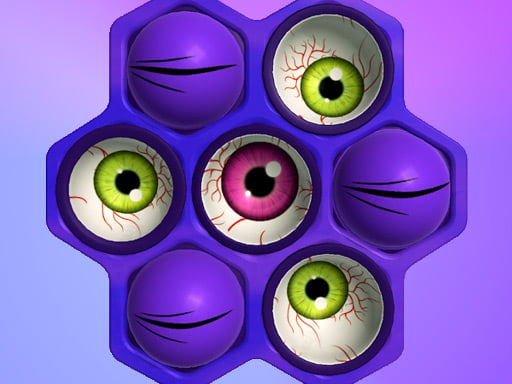
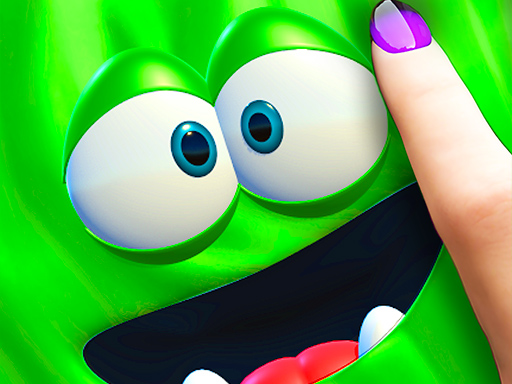
Are you ready to unleash your creativity and enter a world of colorful fun? Super Slime Simulator is a unique Simulation where you can experiment with slime visuals, selecting vibrant colors, textures, and decorations to create your perfect slime. This engaging game is perfect for kids and girls who love to express themselves through art and creativity. Suitable for both iOS and Android devices, it's an ideal Mobile game for those looking to relax and have fun while playing.
How To Play Super Slime Simulator
Start by cleaning your palette, using sliders to pick the colors you want, and then click to add your chosen decorations. You can play around with different colors and textures until you get the perfect slime. This game is a great way to express your creativity and have fun at the same time.
Controls and Features
Super Slime Simulator uses a simple yet intuitive interface, where you can use your mouse or touch to click on color palettes, textures, and decorations. Sliders are used to tweak properties, allowing you to fine-tune your slime to perfection. With a wide range of colors and decorations to choose from, the possibilities are endless.
Tips
Don't rush it! Take your time to get the textures right. Keep dragging items into place until your slime looks just the way you want it to. Remember, practice makes perfect, so don't be afraid to experiment and try new things.
FAQ
What is the main objective of Super Slime Simulator?
The main objective is to create a slime using colors and decorations by dragging and clicking on different items.
How do I play Super Slime Simulator?
Start by cleaning your palette, then use sliders to pick colors and click to add decorations. You can play around with different colors and textures until you get the perfect slime.
Is there a timer in Super Slime Simulator?
No, there is no timer in the game. You can play at your own pace and take as long as you need to create your slime.
Can I customize my slime further?
Yes, you can customize your slime by using sliders to tweak properties and dragging items into place until you get the desired texture.
About this game
- Supported devices
- Desktop
- Genre
- Arcade Games
- Release date
- 18 March 2024
- Latest update
- 18 March 2024
- Rating
- No ratings yet