 friv.org.es

Popular Games
Last Played


FPS Shooter 3D City Wars
0 plays
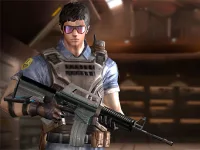
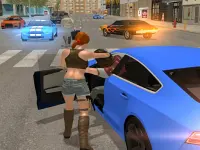

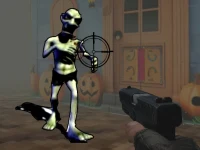
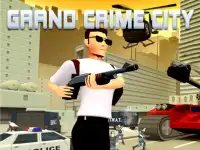
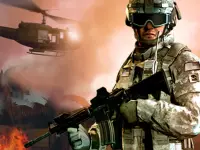
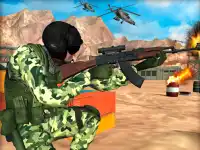
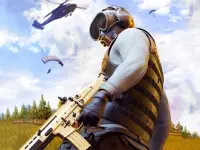
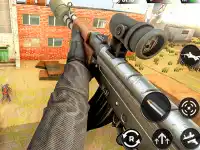




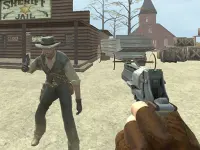
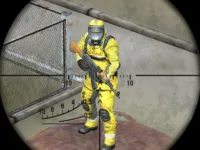


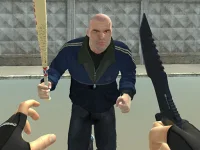
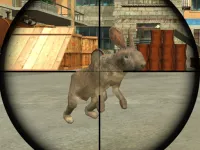
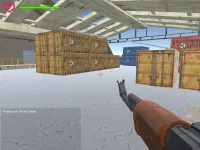

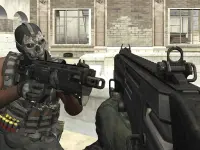
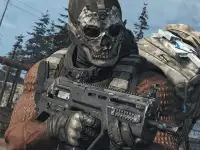
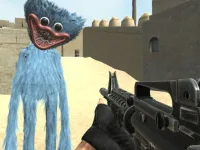
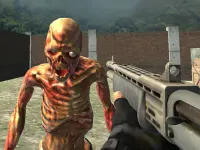
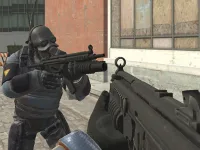
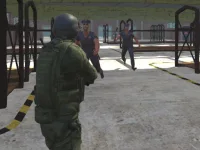
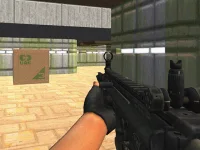



FPS Shooter 3D City Wars
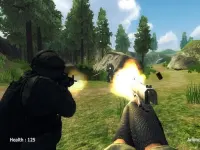
Experience the thrill of urban combat in FPS Shooter 3D City Wars, a First Person Shooter where you battle terrorists in a chaotic cityscape. Test your skills with realistic graphics and tactical gameplay in this intense 3D game built with WebGL technology.
How To Play FPS Shooter 3D City Wars
Use your mouse to aim and left-click to fire. Move with WASD keys while planning your attacks carefully to outmaneuver enemies in this fast-paced shooter.
Controls and Features
The game offers mouse-based aiming and shooting, WASD movement, and a reload function. It features realistic visuals and strategic gameplay, making every firefight feel intense and immersive.
Tips
Stay steady with your aim, move slowly, and use cover to survive longer. Planning your attacks will help you overcome the terrorist threats in this urban battlefield.
FAQ
How do I reload in FPS Shooter 3D City Wars?
Press the R key to reload your weapon during combat. Managing your ammunition is key to surviving the chaotic city battles.
What makes this game different from other Shoot Em Up titles?
This game combines realistic graphics with tactical gameplay, setting it apart from traditional Shoot Em Up games by emphasizing strategy and precision.
Can I play FPS Shooter 3D City Wars on mobile devices?
The game is designed for desktop browsers using WebGL technology, so mobile play may not be fully optimized for all devices.
Does the game have multiplayer modes?
The current version focuses on single-player missions, but future updates may introduce multiplayer features for competitive urban warfare.
```About this game
- Supported devices
- Desktop
- Genre
- Shooting Games
- Release date
- 24 October 2024
- Latest update
- 24 October 2024
- Rating
- No ratings yet