 friv.org.es

Popular Games
Last Played


Draw Race 3D
2 plays
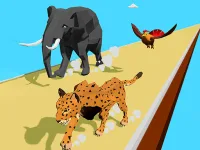
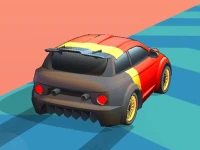
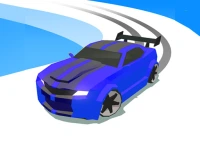





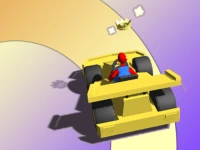
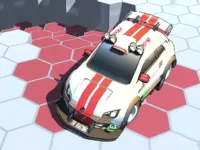
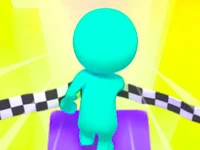








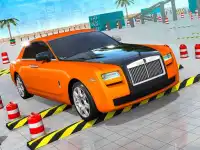









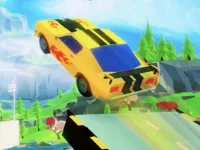




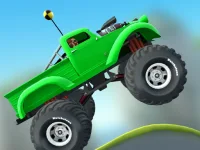
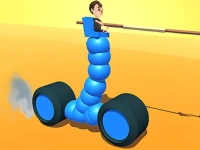


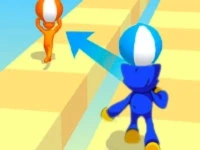
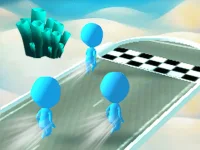



Draw Race 3D
Get creative with Draw Race 3D, an exciting racing game where you design your own vehicles. This 3D game challenges you to sketch cars that can navigate through switches during thrilling races. The game blends drawing skills with fast-paced action, offering a unique twist on traditional racing.
How To Play Draw Race 3D
Start by drawing your car shape using your mouse or finger. Clean up your design, then hit the space bar or tap to begin the race. Your car will automatically accelerate as you guide it through obstacles and switches.
Controls and Features
The game uses simple controls: draw with your mouse or finger and press space or tap to start. The physics engine ensures your car moves smoothly, while the drawing mechanic adds a fun creative element to the racing experience.
Tips
Keep your car design simple and balanced to avoid crashes. Move slowly through tight sections and focus on passing switches to progress in the race.
FAQ
How do you control the car in Draw Race 3D?
You draw the car shape with your mouse or finger, then use the space bar or tap to start the race. The car accelerates automatically once the race begins.
What is the main goal in this game?
The objective is to draw a car that can successfully pass through switches during the race. The better your design, the smoother your race will be.
Can you play Draw Race 3D on any device?
The game supports both mouse and touch controls, making it playable on computers and mobile devices. The drawing mechanic works well with both input methods.
Does Draw Race 3D have a timer?
The game does not mention a timer, so you can focus on designing and racing without time pressure. The challenge comes from navigating the course.
```About this game
- Supported devices
- Desktop
- Genre
- Arcade Games
- Release date
- 24 October 2024
- Latest update
- 24 October 2024
- Rating
- No ratings yet