
Five Nights at Shreks Hotel
 friv.org.es
Sign in to keep recently played games, favorites and your player profile available on this site.
Popular Games
Last Played
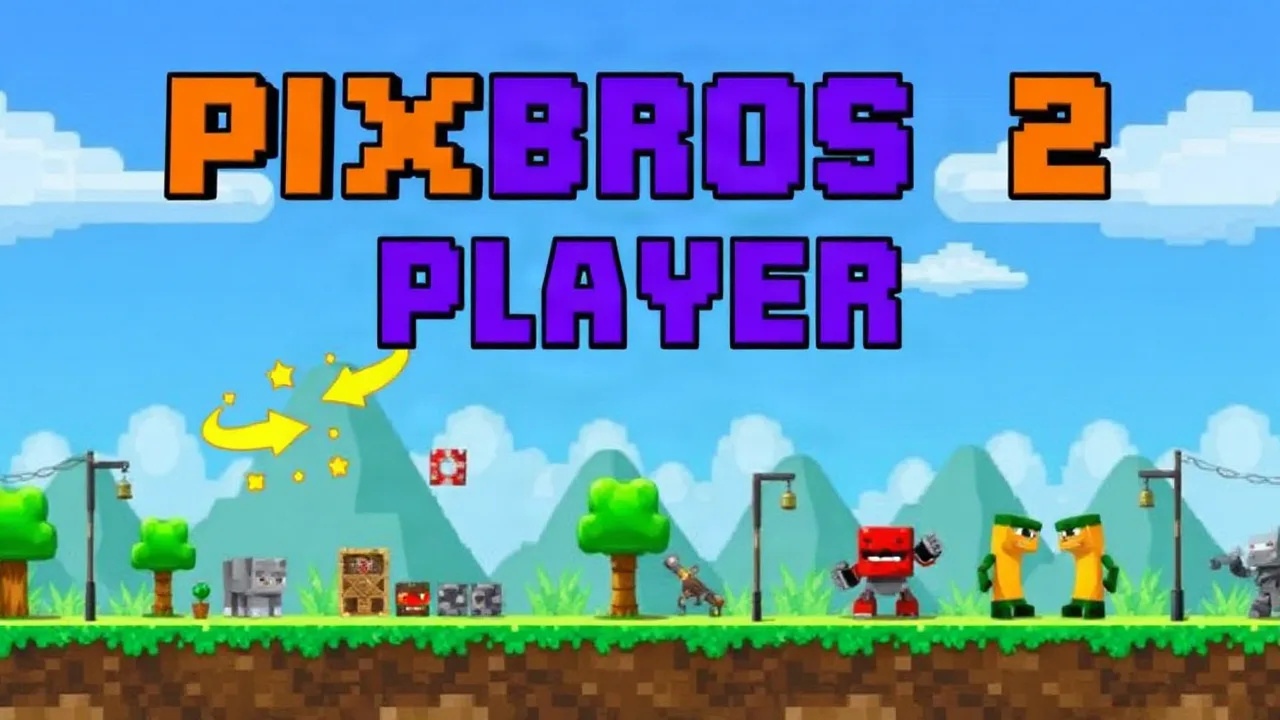
PixBros 2 Player is a fast-paced 2D arcade adventure that blends classic platforming with a vibrant pixel-art style reminiscent of Minecraft-inspired worlds. Designed for both solo players and friends, this mobile game challenges you to jump, dodge, and dash through blocky landscapes filled with obstacles and enemies. Whether you are looking for a quick gaming session on Android or a fun multiplayer experience, this guide covers everything you need to know. We will explore the controls, gameplay mechanics, and strategies to help you master the levels and enjoy the pixelated action.
This title brings the nostalgic feel of retro platformers to modern mobile devices. The game features two distinct modes: a solo adventure and a cooperative multiplayer mode where two players can tackle challenges simultaneously. The visual style uses voxel-like graphics, creating a world that feels familiar to fans of block-building games. You will navigate through various stages, jumping over pits and avoiding hazards while trying to reach the end of each level. The controls are intuitive, making it easy to pick up and play, but the increasing difficulty ensures that even experienced gamers will find a challenge.
The core gameplay revolves around precision jumping and timing. Players must navigate a character across floating platforms, using double jumps and dashes to avoid falling into the abyss. The two-player mode adds a layer of strategy, as partners must coordinate their movements to progress. One player might need to hold a switch while the other jumps to a higher platform, or they might race each other to the finish line. The pixel art style is not just aesthetic; it also serves a functional purpose, with distinct colors highlighting interactive elements like coins, enemies, and power-ups.
| Feature | Details |
|---|---|
| Gameplay Style | 2D Side-scrolling Platformer |
| Visual Style | Voxel-based Pixel Art |
| Player Modes | Single-player and 2-Player Co-op |
| Session Pace | Fast-paced, Quick Rounds |
| Device Fit | Optimized for Mobile (Android) |
| Category Focus | Arcade, Adventure, Multiplayer |
Getting started with this mobile game is straightforward. The interface is designed for touchscreens, with virtual buttons for movement and actions. You will typically use your left thumb to control direction and your right thumb to jump or attack. The game runs smoothly on most Android devices, offering responsive controls that are crucial for platforming. Since it is a mobile title, it is perfect for gaming on the go, whether you have five minutes or an hour to spare. The levels are designed to be completed in short bursts, fitting well into a busy schedule.
The two-player mode is where this game truly shines. Communication is key when playing with a friend. One effective strategy is to designate roles: one player focuses on collecting coins and power-ups while the other takes the lead, clearing enemies and hazards. Alternatively, you can adopt a synchronized approach, jumping and dashing in unison to overcome obstacles that require precise timing. The game encourages teamwork, and the shared victory at the end of a challenging level is rewarding. Remember to use the environment to your advantage; some blocks can be used as temporary cover or stepping stones.
The visual design draws heavy inspiration from the voxel aesthetic popularized by Minecraft. The world is constructed from cubes, giving it a distinct look that is both charming and nostalgic. This design choice also influences the gameplay, as the blocky terrain often features clear edges and distinct patterns, making it easier to judge distances and landing spots. The color palette is vibrant, with each level offering a new theme and set of challenges. The pixel art style extends to the characters and enemies, each designed with a unique look that fits the overall theme of the game.
Understanding the controls is essential for mastering the game. The movement is fluid, allowing for precise adjustments mid-air. The jump mechanic has a satisfying weight to it, not too floaty but with enough hang time to make corrections. The double jump is a critical skill to learn, as many gaps are too wide to cross with a single leap. The physics engine ensures that collisions feel fair, with clear feedback when you hit an obstacle. Practice is the best way to get a feel for the controls, and the early levels serve as an excellent training ground.
If you are a fan of arcade games and pixel art, this title offers a compelling package. It combines the simplicity of classic platformers with the visual appeal of modern voxel graphics. The inclusion of a two-player mode adds significant replay value, making it a great choice for friends and family. The game is accessible to newcomers but offers enough depth to keep experienced players engaged. It is a solid example of how mobile games can provide a high-quality experience without the need for complex setups or expensive hardware. For those looking to jump into a new pixelated adventure, you can play PixBros 2 Player directly in your browser.
Is this game free to play? Yes, it is generally available as a free-to-play title on mobile platforms and web browsers. There may be optional in-app purchases for cosmetic items or to remove ads, but the core gameplay is accessible without spending money.
Can I play with a friend on different devices? The two-player mode is typically designed for local play on the same device, using a split-screen or shared-screen setup. Online multiplayer with friends on separate devices may not be supported, depending on the specific version you are playing.
What are the system requirements? The game is optimized for Android devices and runs well on most modern smartphones and tablets. It does not require high-end hardware, making it accessible to a wide range of players. For web versions, a modern browser like Chrome or Firefox is recommended.
Are there different characters to choose from? The game may offer a selection of characters with slightly different abilities or visual styles. However, the core mechanics remain the same across all characters, ensuring a balanced experience.
How long does it take to complete the game? The length of the game depends on your skill level and how thoroughly you explore each level. On average, a casual player might spend a few hours to complete the main campaign, while completionists aiming for all collectibles will take longer.


