
Five Nights at Shreks Hotel
 friv.org.es
Sign in to keep recently played games, favorites and your player profile available on this site.
Popular Games
Last Played
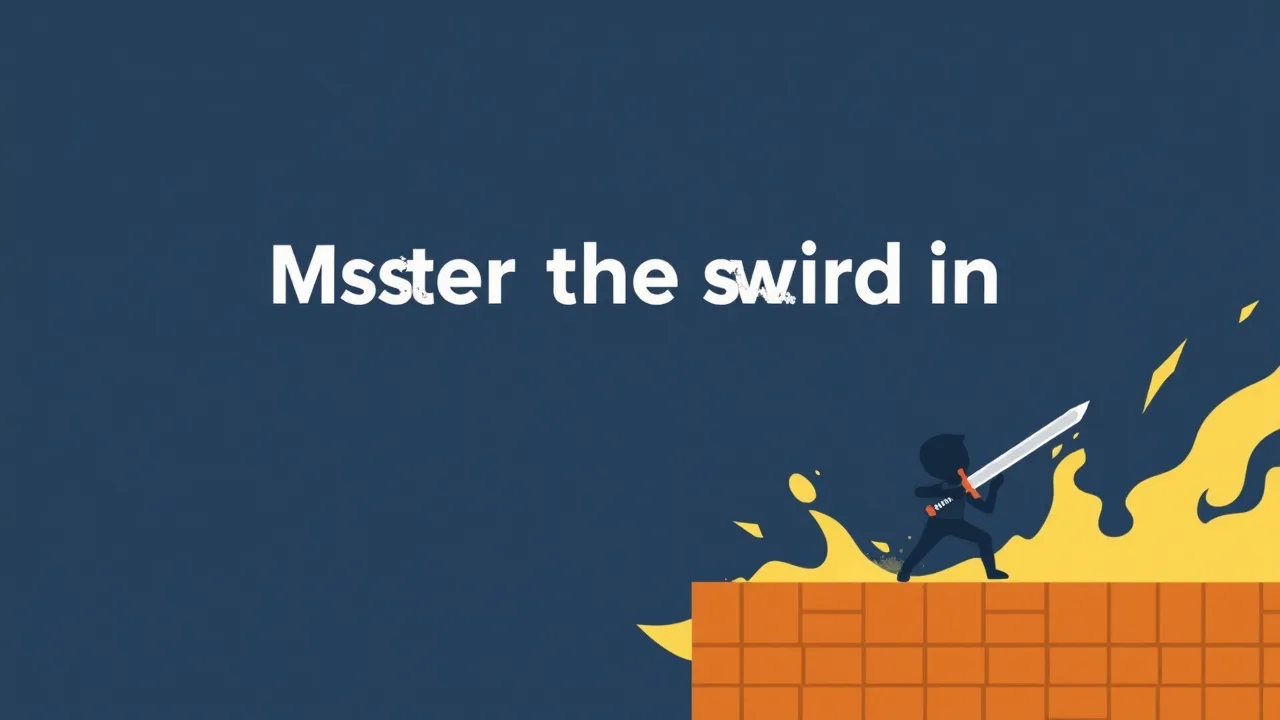
10 Words Challenge is a fast-paced, hypercasual puzzle game that puts your reflexes and vocabulary to the test. This 2D HTML5 title drops you into a minimalist arena where a sword-wielding character must slice through incoming text. The objective is simple yet demanding: identify and eliminate the correct words from a flurry of options before time runs out. It's a unique blend of action and wordplay designed for quick, engaging sessions. This page provides a complete breakdown of the game's mechanics, controls, and strategies to help you master the challenge and climb the ranks.
The fundamental goal is survival and accuracy. Words will scroll or appear on the screen, and you must use your sword to slash the ones that match a given prompt or category. Each successful slice clears the word and earns points, while missing the target or letting the wrong word escape can end your run. The game tests your ability to process information quickly and act decisively, making every second count as the pace intensifies.
The controls are designed for simplicity and cross-platform play. On a desktop, you use the mouse to aim your cursor and click to swing the sword. On a touchscreen device, you simply tap or swipe directly on the words you want to cut. This intuitive scheme ensures the game is accessible whether you're playing on a computer, tablet, or smartphone, with the HTML5 framework guaranteeing smooth performance across modern browsers.
10 Words Challenge is built for short, intense bursts of gameplay. Sessions are typically timed, challenging you to achieve the highest score possible within a set limit. There are no lengthy levels or complex story arcs; the focus is on immediate, repeatable fun. This structure makes it perfect for quick breaks, offering a satisfying mental workout that you can jump into and out of at any moment without a significant time commitment.
| Feature | Details |
|---|---|
| Gameplay Style | Hypercasual Action-Puzzle |
| Primary Controls | Mouse Click / Touch Tap |
| Session Pace | Fast, Timed, Intense |
| Device Fit | Cross-Platform (PC, Mobile, Tablet) |
| Core Focus | Reflexes, Word Recognition, Accuracy |
Success hinges on developing a rhythm. Instead of reacting to each word individually, try to scan the entire screen and anticipate patterns. Prioritize clarity over speed initially; making a mistake is often more costly than a slight delay. As you improve, you'll learn to read the word list efficiently, allowing your eyes to find targets while your hand prepares the next slice. Consistency is the key to building a high score.
The game employs a clean, minimalist 2D art style that keeps the focus squarely on the gameplay. The sword and word graphics are clear and easy to distinguish, which is crucial for split-second decisions. Sound effects provide important audio cues for successful slices and misses, helping you maintain your flow even when the screen becomes crowded. This straightforward presentation ensures nothing distracts from the core challenge.
Among hypercasual titles, this game offers a distinct mental engagement. It combines the visceral satisfaction of an action game with the cognitive exercise of a word puzzle. The "buggy" tag suggests a game that might have unpredictable elements or a deliberately chaotic feel, adding to the challenge. It’s not just about mindless tapping; it requires a sharp mind and quicker reflexes, creating a compelling loop of failure and improvement.
Like any skill, your performance can improve with practice. Focus on keeping your eyes moving across the play area rather than fixating on one spot. Try to minimize unnecessary hand movements, keeping your cursor or finger ready near the center of the action. Playing in a distraction-free environment can also help you maintain concentration during those crucial final seconds of a round.
Is this game suitable for all ages?
Yes, the game's simple premise and lack of complex content make it appropriate for a wide audience, from casual players to word game enthusiasts.
Does it require an internet connection?
As an HTML5 game, it typically runs directly in your browser. While you need an initial connection to load the game, some versions may be playable offline once loaded.
Are there any in-game purchases?
The core experience is focused on skill-based gameplay. Any additional content or features would depend on the specific version you are playing.
Ready to test your reflexes and vocabulary? You can jump straight into the action by playing 10 Words Challenge right now.


